




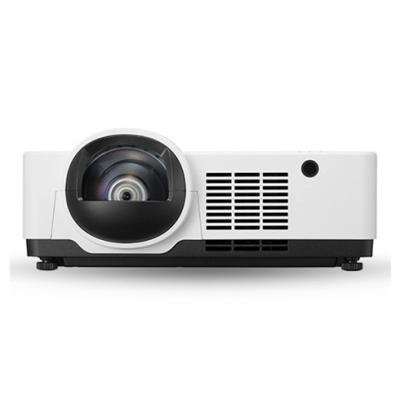
Sharp PE456USL PC Connecting Guide
You can connect various external devices to the Sharp PE456USL Projector. Such as connecting with a HDMI Cable Connect an HD receiver, DVD, PC, Notebook,
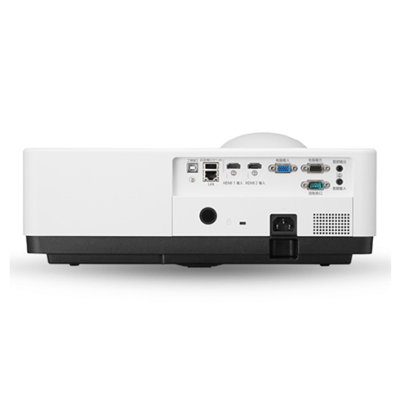
Sharp PE456USL Speaker Connection Tip
Sharp PE456USL is a new model released by Sharp NEC Display Solutions. This writing will introduce you how to connect speaker ot Sharp PE456USL. There’s
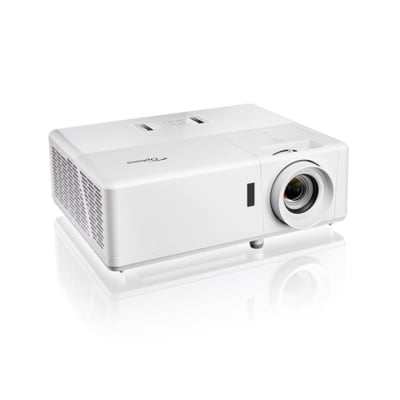
Set up 3D Mode on Optoma ZH39 Tips
3D mode settings can be a little complicated for Optoma ZH39, this tip should be helpful. 3D ModeUse this option to disable or enable the
What 3D Format Does Optoma ZH39 Support?
Optoma ZH39 projector is a 3D ready projector with DLP-Link 3D solution. What 3D format does Optoma ZH39 support? 3D Format available for Optoma ZH39
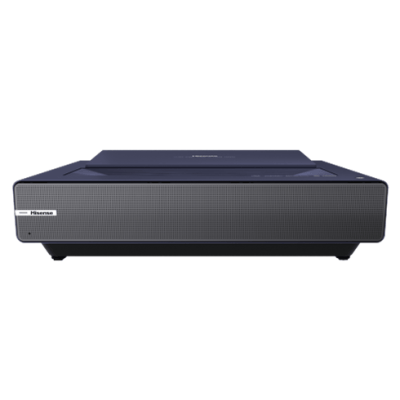
How to Choose Picture Mode on Hisense PX1?
Choosing a picture mode on Hisense PX1 can be easy, check out the steps below. Choose Picture Mode on Hisense PX1 Press home menu button
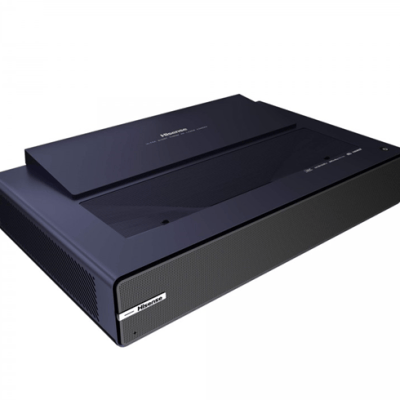
Hisense PX1 Laser Luminance function Setting Tip
To adjusting the picture quality of Hisens PX1, one of the method is to set up Laser Luminance function. Keep on reading to know the
Can I Control Hisense PX1 with My Phone?
To control Hisens PX1 with your mobile phone, first we need to download an App that is designed to control your Hisense PX1. Keep on
Controlling Hisense PX1 with Amazon Alexa Steps
To control Hisens PX1 with Amazon Alexa, first we need to know what is required to control your Hisense PX1 with Amazon Alexa. Hisense PX1
Hisense PX1 Install/Remove Apps Guide
You can istall or remove Apps on Hisense PX1 as you like. For more details, please read the steps below. Installing an app on Hisense






Top Picks
More