




GROVIEW JQ818C Image Problem Troubleshooting
GROVIEW JQ818C is a budget LCD projector with 1080P resolution, which is suitable for home use. This article will provide troubleshooting for common image problems
Acer C202i Projector Image Deformation Solution
If you find the projected Image is wider at the top/bottom of the screen when using Acer C202i Projector, this image deformation is called keystone
How to Fix Blurry Picture of Acer C202i Projector?
When using the Acer C202i projector, if you found that the blurry picture comes on the screen. No worry, because it is not that your
How to Connect GROVIEW Projector to Soundbar?
This post will take GROVIEW JQ818C as an example to introduce how to connect the GROVIEW projector to a soundbar. After connecting to a soundbar,
How to Connect Speaker to Acer C202i Projector?
Acer C202i Projector is featured with Bluetooth and WiFi connection, so if you are looking to connect your speaker to Acer C202i Projector via Bluetooth,
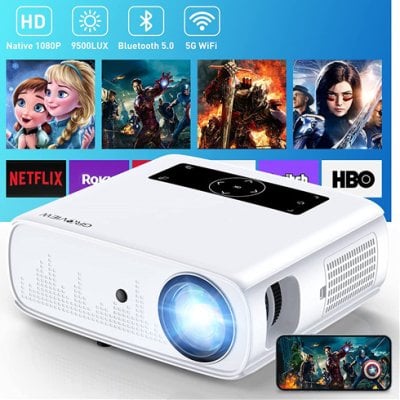
GROVIEW JQ818C Screen Mirroring Guide
GROVIEW JQ818C supports both wired and wireless screen mirroring. Here are the detailed steps. Wireless Mirroring: For iPhone or iPad: Select Miracast as the input
Acer C202i Projector Screen Mirror Failing Solution
If you fail to mirror the screen on your Acer C202i Projector, you may follow the steps below to troubleshoot the issue. Check the Quick
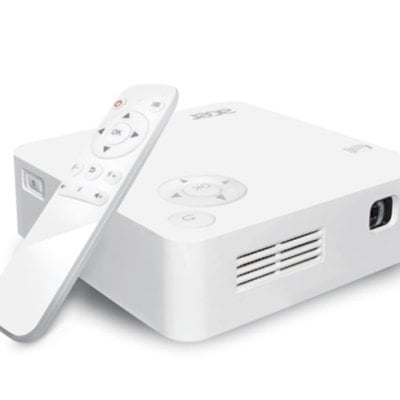
Acer C202i Projector Auto V Keystone Not Working Solution
If the Auto V Keystone is not working on your Acer C202i Projector, here is the solution. 1.Select “Setng>Advanced Setng” and confirm “Auto V Keystone”
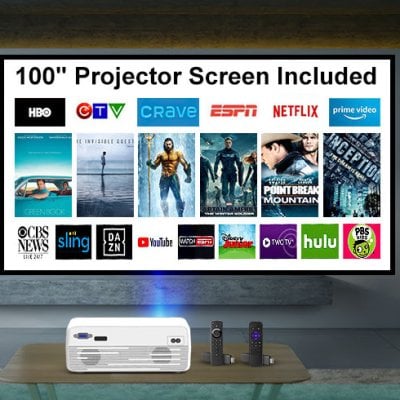
How to Watch Netflix on GROVIEW G210 Projector?
GROVIEW G210 is an LCD projector without a built-in system and Wi-Fi connection. Therefore, you need to connect the projector to external devices before watching







Top Picks
More