
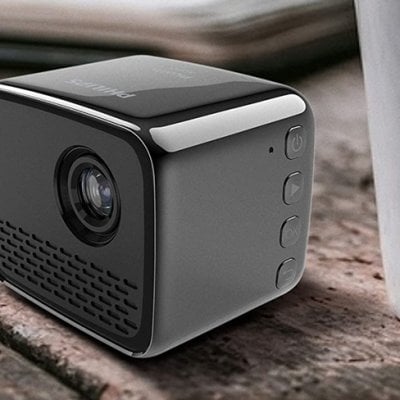
How to Connect Video Playback to Philips PicoPix Nano Projector?
This tip helps you use the projector to play media from a wide range of sources. Keep on reading to learn how to connect video playback to
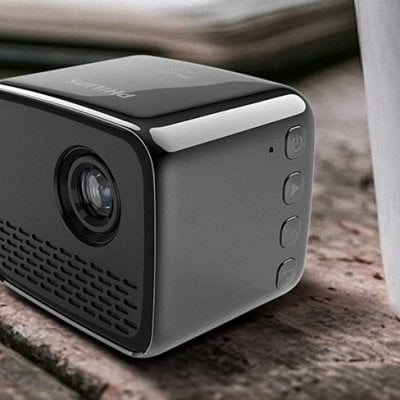
Philips PicoPix Nano Projector iOS Device Screen Casting Tip
Wireless projection with iOS devices for Philips PicoPix Nano Projector What you need: • Turn on WiFi on your iPhone. 1. Turn on the projector.
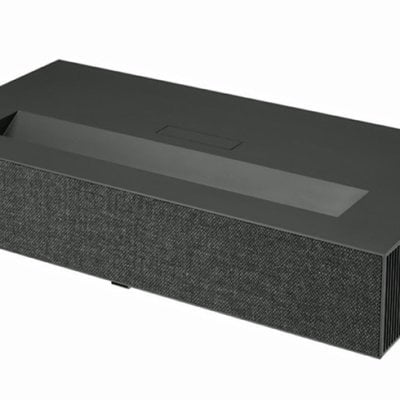
How to Fix LG HU915QE Projector Suddenly Turns It Off?
If the power of LG HU915QE Projector turns off suddenly, don’t worry, here is the solution. How to toubleshoot the issue of LG HU915QE Projector
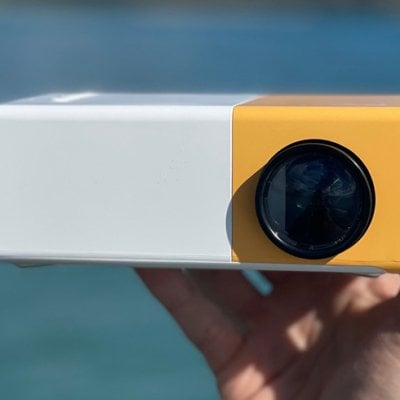
Panda Projector User Guide and Troubleshooting 2022
Panda projector is a budget mini projector that made a hit on TikTok. In this guide, we are going to provide a review, user guide,
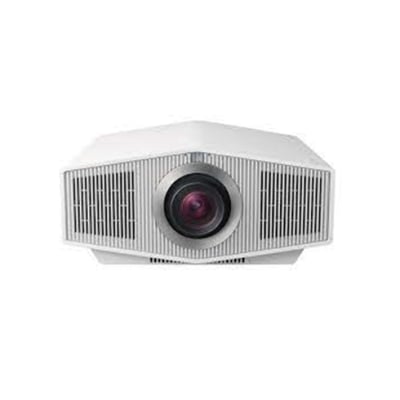
Sony VPL-XW6000 Projector No Image Displayed Troubleshooting
If your Sony VPL-XW6000 Projector doesn’t show any image on the projector sceen, this Sony VPL-XW6000 Projector no image displayed troubleshooting should be helpful. How
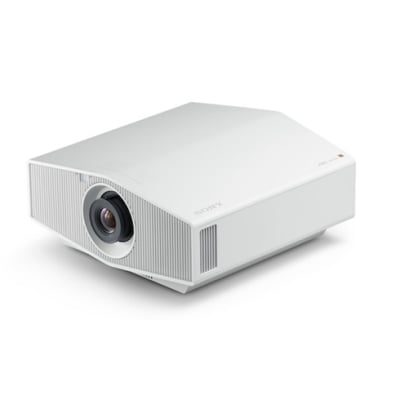
Troubleshooting Sony VPL-XW6000 Projector Can’t Turn On or Suddenly Off
If your Sony VPL-XW7000 Projector can’t be turn on or suddenly turned off, you can follow the steps below to troubleshoot the issue. How to
Sony VPL-XW6000 Projector Trigger Teminal Setting Guide
You can switch the output function of the TRIGGER terminal when using Sony VPL-XW6000 Projector. Menu Operation: Trigger Select Press the MENU button. Select [Installation] – [Trigger Select] – the desired
Philips PicoPix Nano Projector Headphone Connecting Guide
Connect external speakers or headphones to the projector. With this connection, audio from the Philips PicoPix Nano projector is played through the external speakers or
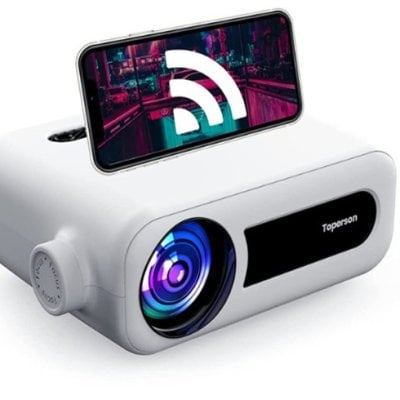
How to Zoom out Toperson YG331 Projector Image?
Toperson YG331 Projector is featured with Digital Zoom adjustment, you can use this feature to zoom out any image you like and blow the detail
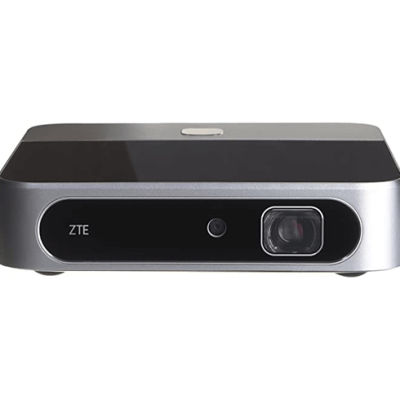
How to Login Gmail on ZTE Spro 2 Projector?
Signing in to your Google account allows you to synchronize Gmail and Calendar between your device and the Google server. You also need a Google
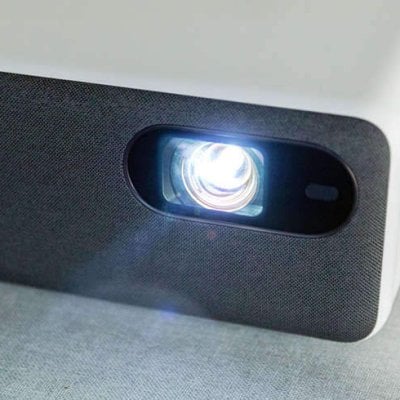
Why Does My Projector Keep Turning Off?| Projector Troubleshooting
The projector is a precise electric appliance. There are many possible causes if it keeps turning off. In this guide, we are going to introduce
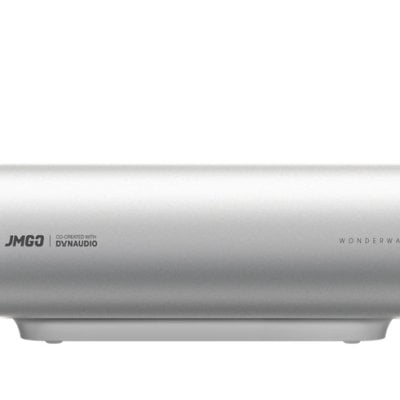
How to Watch Netflix on JMGO O1 Projector?
Can I watch videos on Netflix, Disney+, Amazon Prime Videos and other streaming services on JMGO O1 Projector? The answer is yes. Boasts with the
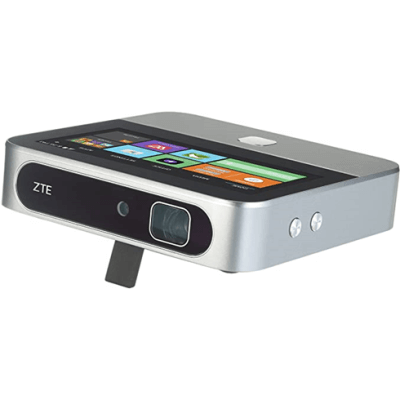
ZTE Spro 2 Projector Voice Memos User Tip
The Sound Recorder app enables you to record your voice memos ZTE Spro 2 Projector. Steps for Recording Voice Memos on ZTE Spro 2 Projector
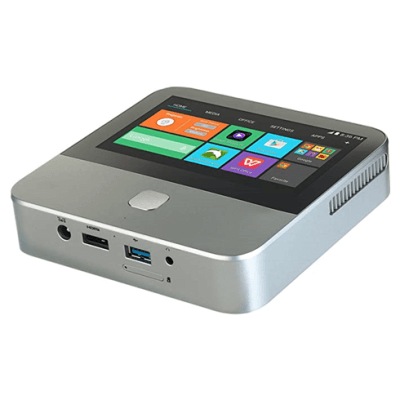
How to Use Google Chrome on ZTE Spro 2 Projector?
You can use Google Chrome to browse the Internet. Chrome on your ZTE Spro 2 Projector can sync bookmarks, browsing history, and opened tabs from
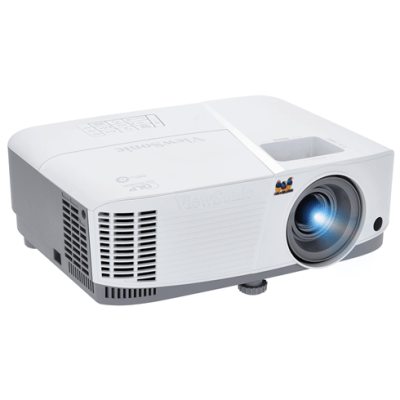
How to Clean the Lens of ViewSonic Projector?
It is necessary to clean the lens of ViewSonic projector periodically. Because the lens tend to accumulate dust and then impact the projection effect. Cleaning
How to Erase MicroSD Card on ZTE Spro 2 Smart Projector?
ZTE Spro 2 Smart Projector allows users to inter their microSD card and projector the content in the card. Also, you can erase everything in

VANKYO Projector Won’t Play Netflix Troubleshooting and Guide 2022
VANKYO projectors are popular budget projectors that have no built-in smart systems. Therefore, you need to connect the VANKYO projector to other devices to access
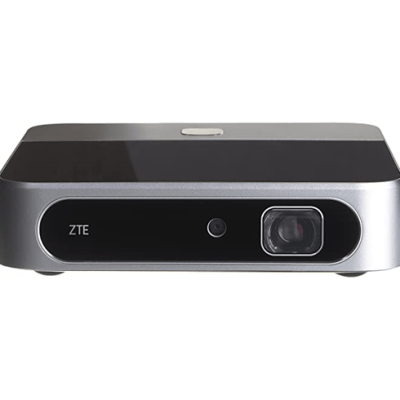
ZTE Projector Tip: Share Mobile Data Connection via USB
With this guide of sharing mobile data connection via USB on ZTE Spro 2 Smart Projector, you can access the Internet on your computer via
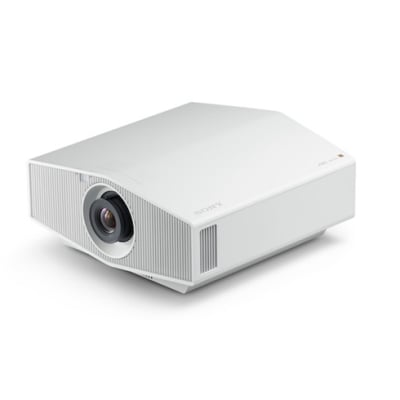
Sony VPL-XW6000 Projector Input Lag Reduction Tip
If you want to reduce input lag of Sony VPL-XW6000 Projector, you can follow this menu flow: Menu Operation: Expert Setting > Input Lag Reduction. What is input
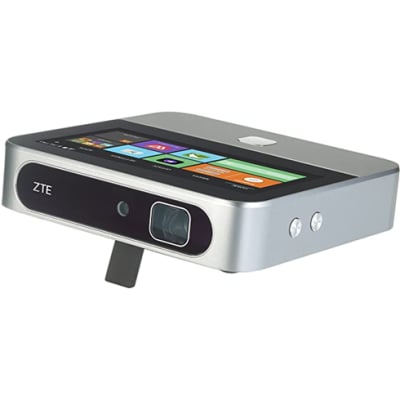
How to Remove MicroSD Card from ZTE Spro 2 Projector?
Removing the microSD Card From Your ZTE Spro 2 Smart Projector isn’t just pulling out the microSD card, there are some extra steps need to