


Tech Tips
More


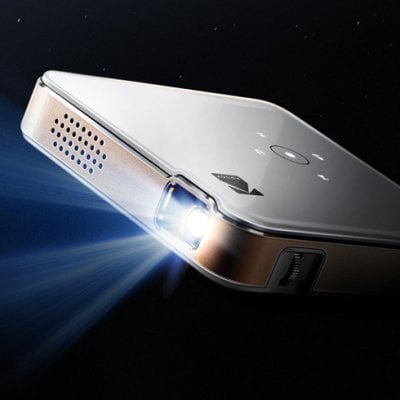
How to Set Up KODAK Luma 150 Projector?
KODAK Luma 150 is a popular mini DLP projector. This post will teach you how to set up the projector. Place the projector on a
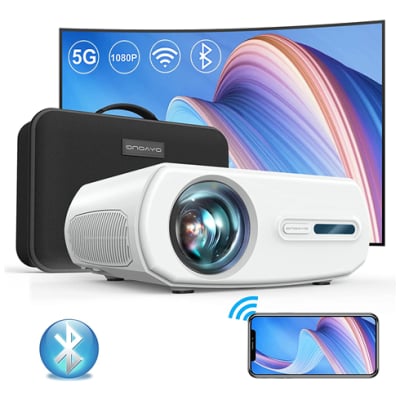
Restoring Factory Setting on ONOAYO 1080p Projector Guide
If you need to restore the factory setting of ONOAYO 1080p Projector, here is the solution. How to restore the factory setting of ONOAYO 1080p
How to Force Shut Off ONOAYO 1080p Projector?
When using the projector, you may run into a situation that the system freezed or the button didn’t respond. You may need to force shut
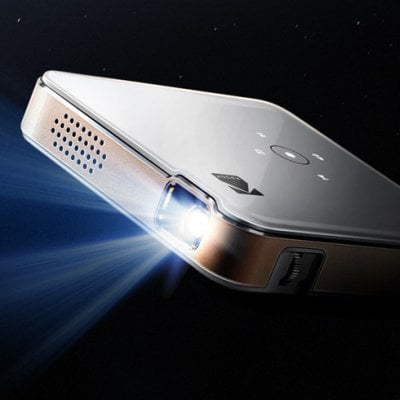
How to Connect KODAK Luma 150 to iPhone?
KODAK Luma 150 supports a wireless connection to iPhone. Check the following steps to connect the projector to your iPhone. 1. Open the menu option,

KODAK Luma 150 Projector Image Adjustment Guide
KODAK Luma 150 projector is a cute mini projector. You can adjust its image according to the following steps. Adjust the focus gear on the
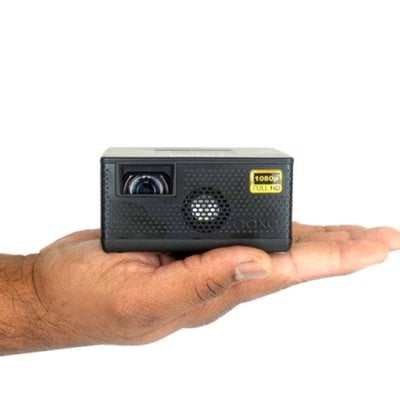
AAXA P400 Screen Mirroring Troubleshooting
AAXA P400 projector supports screen mirroring. If you can’t mirror your phone successfully, you can check the following solutions for troubleshooting. Check whether the HDMI
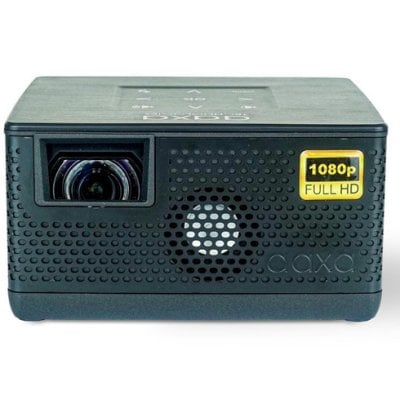
How to Connect AAXA P400 to Computer?
AAXA P400 supports a connection to a computer. You can follow the steps below to connect the projector to a computer. 1. Get a standard
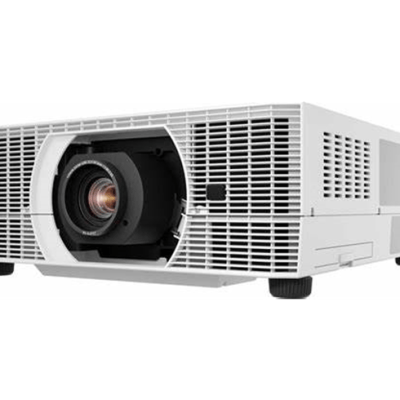
Tip for Adjusting Image on Cannon WUX5800 Projector
Here is the detialed steps for you to adjust image on Cannon WUX5800 Projector 1. Adjusting the Computer’s Output ResolutionThe projector’s maximum resolution is 1920x1200p.
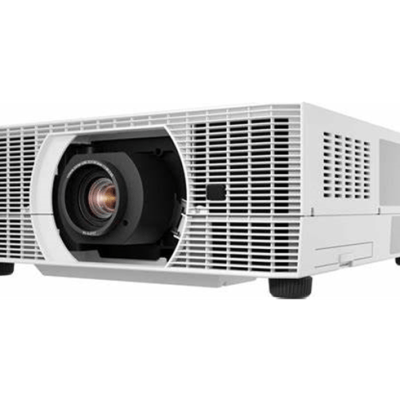
How to Use Wired Remote of Cannon WUX5800 Projector?
Cannon WUX5800 Projector has included an infrared remote control in the purchasement. You can point it at the infrared remote receiver on thefront or rear