

Tech Tips
More
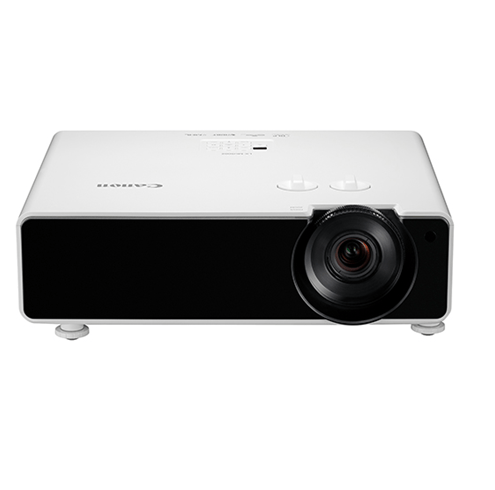

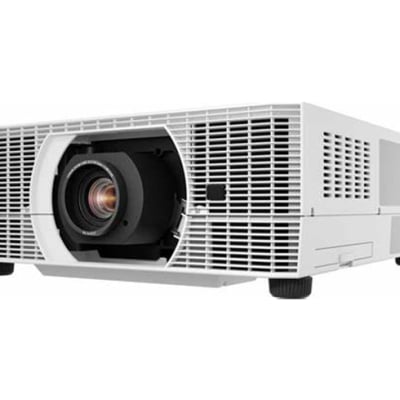
How to Use Lens Shift on Cannon WUX5800 Projector?
Cannon WUX5800 Projector is featured with keystone correction, focus adjustment as well as lens shift. What is lens shift for? This guide will show you
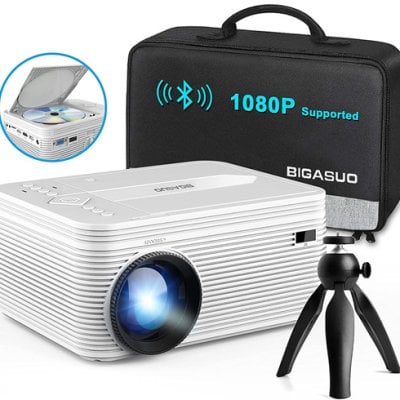
How to Connect BIGASUO Pro302 to A Bluetooth Speaker?
BIGASUO Pro302 projector supports Bluetooth 5.0, enabling users to connect a Bluetooth speaker. Here are the detailed steps. Turn on the Bluetooth on the speaker.
Projecting Images from a USB Flash Drive on Cannon WUX5800 Projector
JPEG images stored on a USB flash drive connected to the projector can be projected. Individual images can be selected for projection, or you can
How to Install/Remove Lens Unit of Cannon WUX5800 Projector?
This tip will show you how to install and remove the lens unit of Cannon WUX5800 Projector, which is expecially usefull when you need to
BIGASUO Projector No Sound Troubleshooting
If your BIGASUO projector has no sound, you can check the following solutions for troubleshooting. 1. Check whether the BIGASUO projector is mute. Adjust the
How to Select Image Quality of Cannon WUX5800 Projector?
Pressing the IMAGE button on the remote control, you can select an image mode to suit the projected image. In each image mode, you can
Cannon WUX5800 Projector Image Adjustment Tip
Using Cannon WUX5800 Projector requires users to know some basic steps to adujst the image, keep on reading to learn more. Steps to adjust image
AAXA LED Pico Projector Can’t Charge Troubleshooting
If your AAXA LED Pico Projector can’t hold a charge, you can check the following items for troubleshooting. Check whether the power port is damaged,
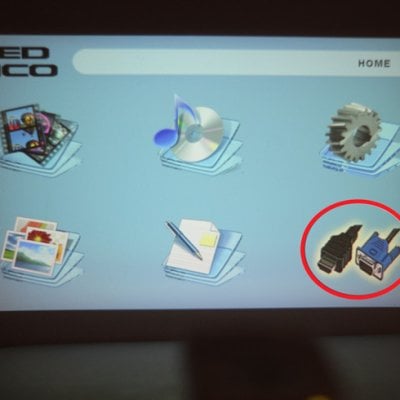
AAXA LED Pico Projector iPhone Connection Guide
AAXA LED Pico projector supports connection via an HDMI adapter. You can follow the steps below to connect your iPhone to the projector. Get lightning