


Tech Tips
More

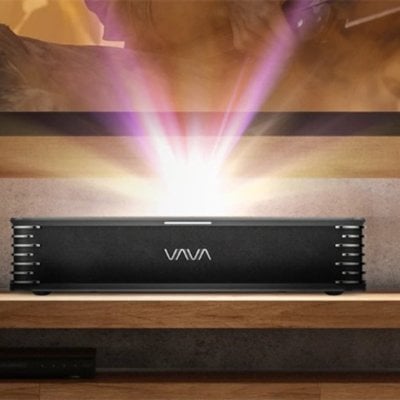
How to Select Audio Output on VAVA Chroma Projector?
Here is the detailed guideline for you to know the steps to select audio output on VAVA Chroma Projector. How to selecting audio output On
VAVA Chroma Projector Peripherals Connection Guide
You may connect PS4 game console, ROKU TV, computer, etc., via the HDMI port, DVD device by the AV port, USB device by the USB
Tip for Using VAVA Chroma Projector as Bluetooth Speaker
Here is the tip to use VAVA Chroma Projector as Bluetooth speaker to paly your favorite songs. Steps to use VAVA Chroma Projector as Bluetooth
How to Connect Bluetooth Speaker to VAVA Chroma Projector?
Here is the guide for you to connect your Bluetooth speaker to VAVA Chroma Projector. Steps to connect audio device to VAVA Chroma Projector Select
How to Connect VAVA Chroma Projector to Network
Here is the guide for you to connect VAVA Chroma Projector to network. Wired network Select the Network icon at the top right corner to
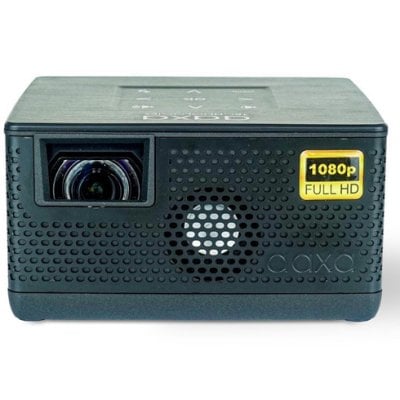
AAXA P400 Projector Photo Slideshow Method
You can play photos as a slideshow on the AAXA P400 projector. Here is the method. 1. Choose either USB or TF Card for playback.
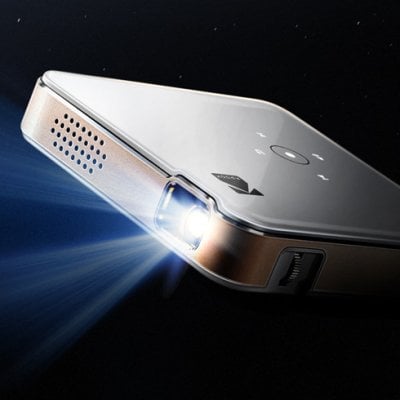
How to Connect KODAK Luma 150 to Wi-Fi?
KODAK Luma 150 projector supports a Wi-Fi connection. You can follow the steps below to connect the projector to the Wi-Fi network. Turn on the
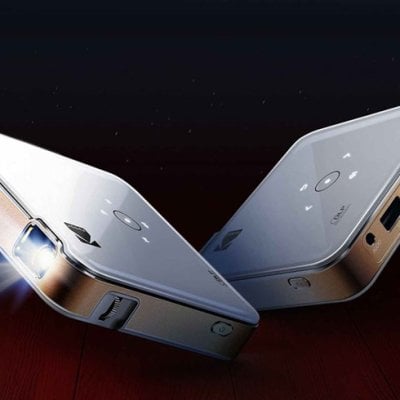
How to Watch Netflix on KODAK Luma 150 Projector?
KODAK Luma 150 has no built-in Netflix APP, and therefore you need to connect the projector to external devices before watching Netflix on the projector.
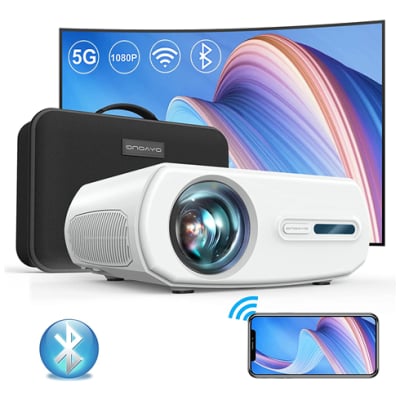
ONOAYO 1080p Projector Flash Drive Connection Tip
If you want to watch the content on ONOAYO 1080p Projector via Flash dirve, check this solution below. You can resort to the USB port